
A Beginner’s Guide to Technical SEO
You can have the best content in the world, but if Google can’t crawl, index, and load your site properly, it won’t rank. Here’s technical SEO explained in plain English.
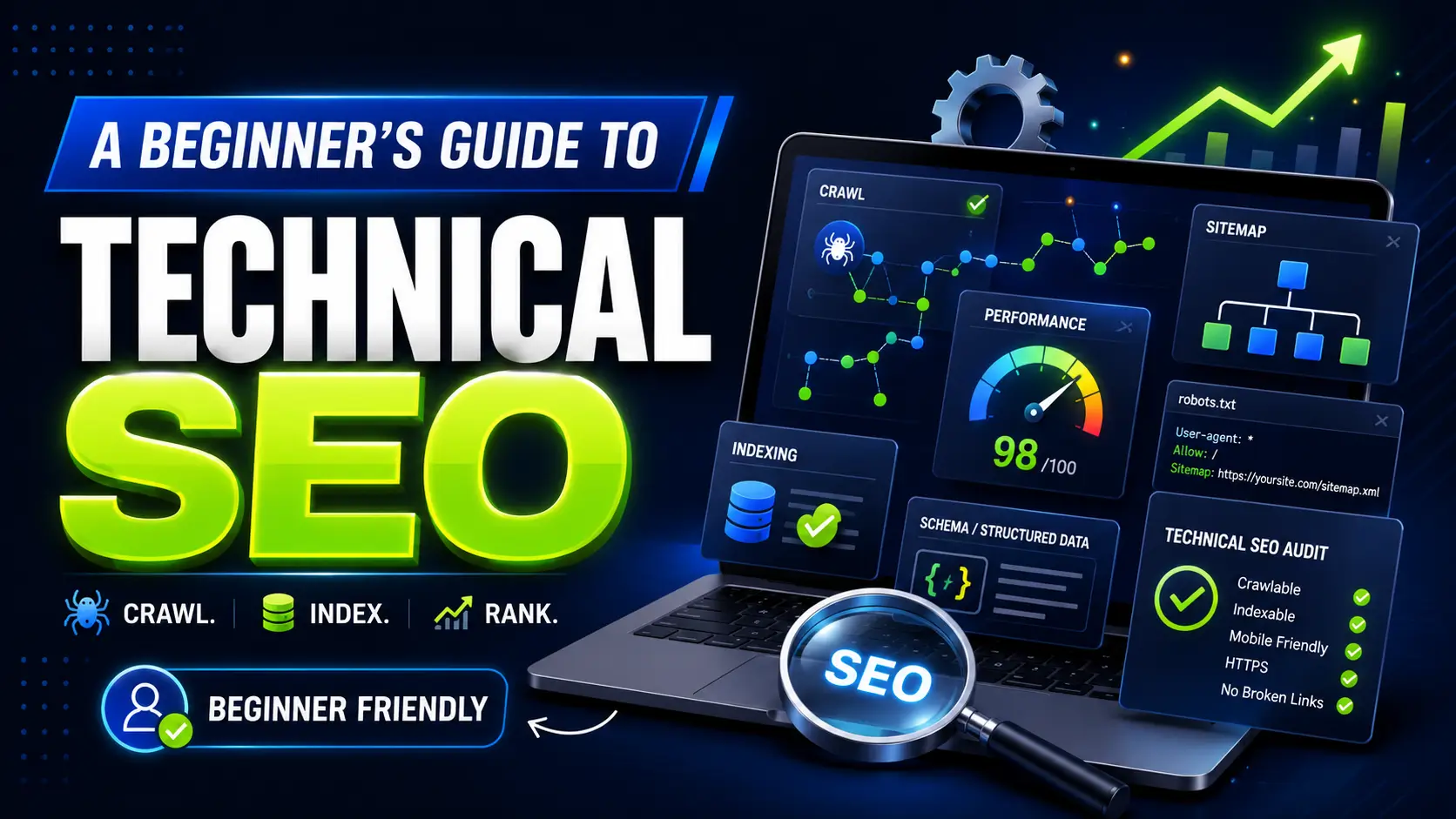
When most people think about SEO, they picture keywords and blog content. But underneath every well-ranking website is a layer of work that visitors never see and rarely think about: technical SEO. It’s the foundation that decides whether search engines can even reach your content in the first place.
The good news is it’s not as intimidating as it sounds. Let’s break down what technical SEO is, why it matters, and the handful of areas actually worth your attention.
What Is Technical SEO?
Technical SEO covers the behind-the-scenes work that helps search engines crawl, understand, and index your site. On-page SEO is about the words on the page. Off-page SEO is about links from other sites. Technical SEO is about the plumbing underneath both.
Picture a shop. Your content is the products on the shelves. Technical SEO is the doors, the lighting, the signage, and the aisles that let people actually get in and find things. Stock the best products in the world behind a locked door and nobody buys anything.
1. Crawling: can Google find your pages?
Search engines send out automated bots, often called crawlers or spiders, to discover pages across the web. If a bot can’t reach a page, that page won’t show up in search. Full stop.
Three things shape how well you get crawled: your robots.txt file (which tells bots where they can and can’t go), your internal linking (how pages connect to each other), and your XML sitemap (a tidy list of the pages you want found). Submitting an up-to-date sitemap in Google Search Console takes five minutes and is one of the easiest wins available. While you’re there, the broader SEO terminology in our glossary is worth a skim if any of this is new.
2. Indexing: are your pages actually being stored?
Getting crawled is only half the job. After a bot reads a page, Google decides whether to file it away in its index, the enormous database it pulls every result from. No index entry, no chance of ranking.
The usual culprits behind indexing problems are a stray “noindex” tag left on by accident, duplicate pages that leave Google unsure which version to trust, and thin pages it decides aren’t worth keeping. The Pages report in Google Search Console shows you exactly what’s indexed and what’s been skipped, so you’re never guessing.
3. Site speed and Core Web Vitals
Speed pulls double duty: it keeps visitors happy and it feeds directly into rankings. Google measures it through Core Web Vitals, which track how fast your main content appears, how quickly the page responds to a tap or click, and how much the layout jumps around while loading.
When a site drags, the cause is usually one of four things: huge unoptimised images, bloated code, a pile-up of plugins, or cheap hosting. Google’s free PageSpeed Insights tool will tell you which one is hurting you most.
4. Mobile-friendliness
Google now judges your site on its mobile version first. So if your pages are a pain to use on a phone, with cramped text, buttons jammed together, or content spilling off the screen, your rankings take the hit even if the desktop version looks great.
Responsive design that reflows cleanly on any screen isn’t a nice-to-have anymore. It’s the floor you build on.
5. Site architecture and HTTPS
A clear structure helps people and search engines alike. A good rule: any page that matters should be reachable within three clicks of the homepage. Keep things flat and well-organised and your ranking authority flows more evenly across the site instead of pooling on a few pages.
Security counts too. HTTPS, the little padlock in the address bar, is a confirmed ranking signal, and browsers now actively warn people away from sites without it. Still on HTTP? Moving to a secure certificate should jump to the top of your list. It often goes hand in hand with smarter SEO analytics and tracking once the foundations are sound.
6. Structured data
Structured data, also called schema markup, is a bit of code that spells out what your content actually means. It’s what produces those richer results you’ve seen in Google: star ratings, FAQ drop-downs, event dates, recipe times, all surfaced right in the listing. Google’s own structured data documentation is the definitive reference if you want to implement it properly.
It won’t lift your rankings on its own, but it makes your listing stand out, and a listing that stands out earns more clicks.
Where to start
If this feels like a lot, here’s the reassuring part: you don’t tackle it all at once. Begin with an SEO audit to surface your biggest problems, then work in order of impact. Fix indexing issues first, since an unindexed page earns nothing. Then speed and mobile experience. Save the finer touches like structured data for last.
Technical SEO is the foundation everything else stands on. Get it solid and your content and link-building suddenly work a great deal harder for you. If you’d rather hand the technical side to someone who does this all day, our managed SEO service takes care of the diagnosis and the fixes, so you can get back to running the business.
Read Next

Generative Engine Optimization (GEO): The Complete 2026 Guide
AI now answers questions instead of listing links. Generative Engine Optimization (GEO) is how you get your brand cited inside those answers. Here’s what works in 2026, backed by the data.

Why Your Business Isn’t Ranking on Google (And How to Fix It)
Struggling to appear on Google’s first page? Discover the most common SEO mistakes holding your business back — and the practical fixes that will help you climb the rankings.

What is local SEO?
Learn what local SEO is, why it’s vital for local businesses, and get 5 tips to improve your local SEO to get found by your customers.